Short answer: AlgoVesta routes your TradingView webhook alerts to 16 crypto exchanges within seconds as a pure relay by default, with an optional 13-module AI risk filter, IP-allowlist and symbol-whitelist security, and paper or real execution — no coding required.
Automatically run your TradingView alerts on your exchange — within seconds, on your terms.
Your TradingView alert reaches us over a webhook. By default we are a pure relay — with your settings, your leverage and your position size, we forward it within seconds to whichever exchange you choose. Want a safety net? Switch on the optional 13-module AI risk filter. Either way, you stay in control.
AlgoVesta is a TradingView webhook execution platform that routes your strategy alerts to 16 crypto exchanges and MetaTrader MT5 within seconds — a pure relay by default, with an optional AI risk filter. Available in 13 languages.
Setup takes 2 minutes. Configure once and it keeps running — 10 strategies on Pro, unlimited on Elite.
New to webhooks? Start on the TradingView webhook page, then follow the step-by-step alert setup guide when you are ready to connect your first alert.
Add an alert to your TradingView strategy or indicator. Paste our URL into the Webhook URL field.
https://api.algovesta.com/webhook/tv/<id>
In the dashboard, set your exchange, API key, position size and leverage. The settings are yours.

+12
MetaTrader MT5
When your strategy triggers, the webhook reaches us almost instantly. The order reaches the exchange in about 3 seconds — about 1 second for MetaTrader 5. SL/TP are placed automatically.
Unlike other platforms, AlgoVesta needs no VPS rental, no EA installation and no MetaApi subscription. Enter your account credentials once — automated execution starts instantly and runs 24/7 on our infrastructure.
Your computer can stay off. Your TradingView tab can stay closed. The relay keeps running.
Send one alert. We route it to a crypto exchange or to MetaTrader — your choice, live today.
Because we host the MT5 terminals, there is nothing to rent or maintain on your side — we walk through that setup in connecting TradingView to MetaTrader without a VPS.
Routes to 16 exchanges. Set leverage and margin type in your webhook or dashboard; stop-loss, take-profit and multiple TP levels are placed automatically.
Routes to your MetaTrader 5 account on terminals AlgoVesta hosts and runs — no VPS, no EA, no MetaApi subscription. Lot-based sizing (no leverage), broker symbol mapping and pip-based SL/TP.
By default we are a pure relay. Your strategy may be profitable, or you may take a loss — that is your decision. We simply provide the fastest path to the exchange without stepping in between. Want an extra screen? The optional AI risk filter is one toggle away — you decide whether it runs.
Most signal bots execute every incoming signal blindly. AlgoVesta lets you add a safety net: switch on the AI risk filter and each signal is pre-screened by a 13-module quality engine before any order reaches the exchange. Off by default — turn it on whenever you want.
Alerts are one way to trigger a trade; an AI assistant is another. With our MCP server you can connect an AI client and place, review or close the same trades in conversation, under the same server-side risk rules.
Module weights shown are representative. The live filter runs the Diplomat quality engine.
When enabled, every signal is scored on four dimensions before it can open an order. Anything that fails is logged and skipped — you see exactly why in the Signal Inspector.
Weighing up the alternatives? We put the options side by side in our roundup of TradingView automation tools for 2026.
| Typical signal bots | AlgoVesta | |
|---|---|---|
| Incoming signal | Executed blindly | Relayed as-is, or AI-screened — your choice |
| Risk control | Fixed or none | Optional 13-module filter, per strategy |
| Keys & funds | Held on their platform | Your exchange, your keys — withdrawals off |
| Testing | Limited | Paper mode with a $5,000 virtual balance |
Not just a webhook URL. A full control room for your TradingView strategies.
Run several strategies side by side — 3 during the trial, 10 on Pro, unlimited on Elite. Each gets its own webhook URL, target account and settings — enable, disable, rename or duplicate any of them in one click.
Practise with no real money on the line — a virtual $5,000 balance in Paper mode. When you trust your strategy, flip to Real and trade live on your own exchange account — per strategy.
Don’t know JSON? Pick direction, symbol, leverage and TP/SL from menus — we generate the exact alert message. Copy, paste into TradingView, done.
Every signal is logged — executed, rejected or test. See the symbol, action, score and the exact reason a signal was skipped. Full transparency, nothing hidden.
Watch every position the bot opens in real time with running profit and loss. Close any position straight from the dashboard whenever you want.
Turn on notifications and get a Telegram message the moment a crypto order opens, plus an email summary of executed trades. Telegram uses your own bot token; MetaTrader 5 fills are not covered yet. Discord & outbound webhook soon
Optionally invert every signal from a source: a BUY is executed as a SHORT and a SELL as a LONG, with stop-loss and take-profit mirrored around the entry. Useful for fading a source you want to trade against. A clear warning banner stays visible whenever reversal is active — the same toggle works for TradingView webhooks and Telegram channels.
Automatically skip new signals from a source once its realised win-rate falls below a threshold you set. The filter reads your own closed-trade history — not a marketing promise — and lets weak sources pause themselves.
Paste one of these into the message field of your TradingView alert. Use the first for an indicator alert where you choose the direction; use the second when the alert comes from a Pine strategy, so exits and reversals are detected instead of opening a position in the wrong direction. We accept the symbol, action, entry, SL and TP values exactly as sent.
Set direction, take-profit / stop-loss (single or multi-level), leverage, position size, trailing and breakeven with simple toggles. AlgoVesta generates the exact TradingView alert message — copy it and paste it into your alert.
See the webhook payload reference →// Indicator alert — you choose the direction { "symbol": "{{ticker}}", "action": "buy", "price": "{{close}}", "stop_loss": "{{plot_0}}", "take_profit": "{{plot_1}}", "leverage": 10 } // Pine strategy alert — exits and reversals are automatic { "symbol": "{{ticker}}", "action": "{{strategy.order.action}}", "market_position": "{{strategy.market_position}}", "prev_market_position": "{{strategy.prev_market_position}}", "position_size": "{{strategy.position_size}}", "price": "{{close}}" }
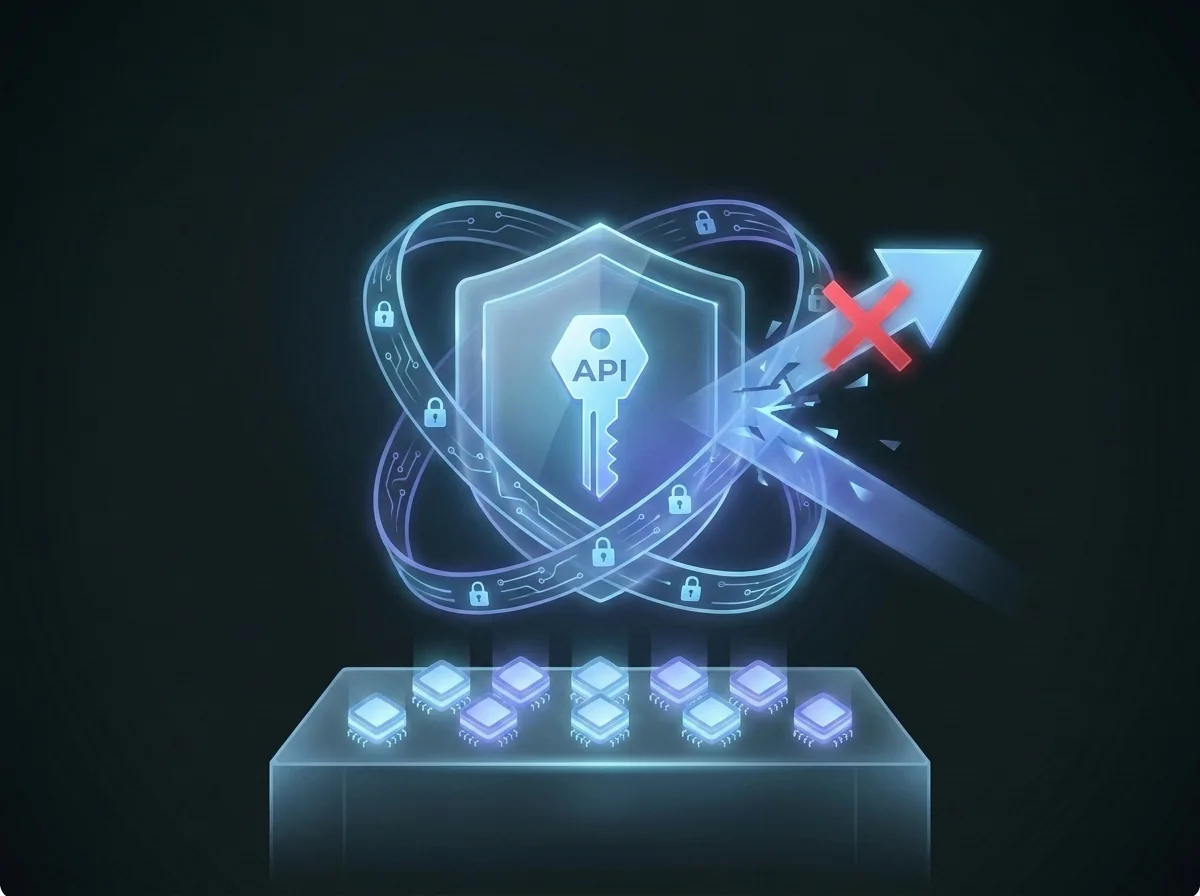
Encrypted storage, trade-only permission, IP-restricted connection.

API keys are stored encrypted in the database. They never appear as plain text in log files.
Withdrawal permission is never requested. Create your API key with read+trade permission only.
Create the API key on the exchange restricted to our server IP only. No one else can use it.
Your webhook URL is a private inbox. Lock it down so only you can send signals to it.
AlgoVesta only auto-trades a signal whose source it can verify: a recognised TradingView IP, an IP on your own allowlist, or an HMAC signature. Anything else is logged without placing an order.
Accept signals only from TradingView’s official IP addresses, or from your own server’s IP — everything else is logged but never traded.
Restrict trading to a list of symbols you choose. Leave it empty to allow all — your rules.
Point your own TradingView strategy's webhook at AlgoVesta and it executes on your funded MT5 accounts — per-account drawdown protection, prop-firm compatible presets (FTMO-compatible and more), no VPS and no EA required.
The signal comes from your own Pine Script strategy — AlgoVesta is FTMO-compatible signal automation for your rules, not a signal service. Third-party signals on funded accounts are against most firms' rules, and we don't promise them.
Daily-loss brake, trailing drawdown and consistency guards are tracked separately for each funded account, so one account's limit never spills into another.
Your MT5 terminal is hosted 24/7 on our servers. TradingView alert in, protected order out — nothing to install and no chart that has to stay open.
Independence note: AlgoVesta is independent software and has no official relationship with FTMO, FundedNext, E8 Markets, The5ers, MyFundedFX or any other prop firm — it is not affiliated with, endorsed by or partnered with them. "Compatible" only means our protection settings can be configured to match a firm's published rules. Always verify your firm's current rules and confirm that automation and trade copying are permitted on your account.
See the full picture in automating TradingView alerts on crypto and MT5, or browse every venue on the supported exchanges page.
Binance
Bybit
OKX
Coinbase
KuCoin
Kraken
Gate.io
Bitget
BingX
Hyperliquid
Backpack
HTX
PhemexConnect via official Fast Connect or API keys. Switch exchanges anytime.
The most common questions before you decide — if you still have doubts, start here.
Free for 7 days. No credit card. Connect your alert, paste your webhook URL, and go live.
No VPS, no EA, no MetaApi — the technical load is on us.
AlgoVesta executes the strategy you define. Trading carries risk and does not guarantee profit.