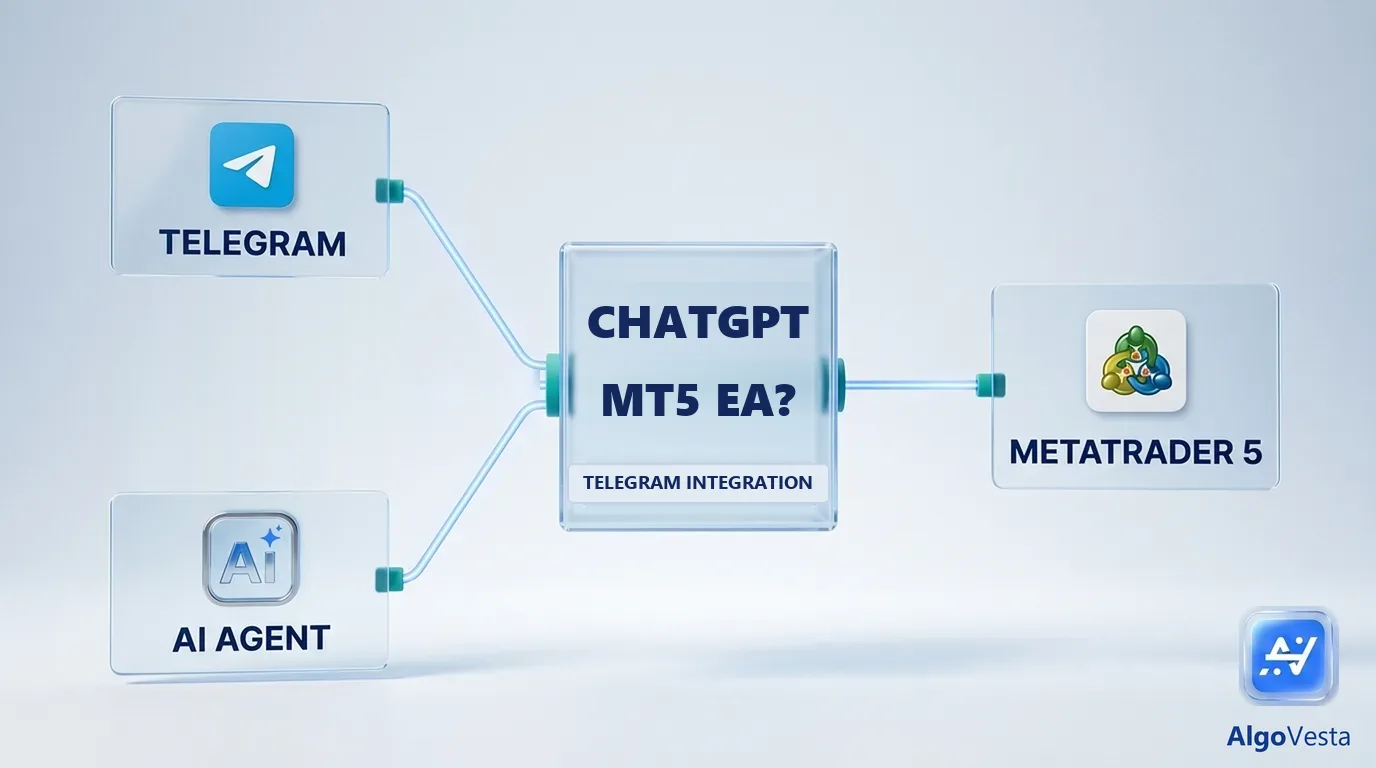
Short answer: Yes, ChatGPT can write a MetaTrader 5 Expert Advisor in MQL5, but that EA cannot read a Telegram signal channel on its own. MT5 has no Telegram client, and a Telegram bot only sees channels where it is an administrator, so copying a channel you follow needs a separate program running 24/7 next to MT5. If you want Telegram signals on MT5 without writing or hosting anything, a hosted copier such as AlgoVesta's Telegram to MT5 connects your channel and your MT5 account directly, with a 7-day free trial and no credit card.
To copy signals from a Telegram channel to MetaTrader 5 automatically, start with the Telegram to MT5 bridge.
It is a fair question in 2026. ChatGPT writes working code in seconds, MetaTrader 5 runs code, and your signals arrive in Telegram. Ask ChatGPT for “an MT5 EA that copies my Telegram signals” and it will give you something that compiles. Whether that something can actually trade your channel is a different question, and the answer depends on a part of the setup most generated code quietly skips.
This guide answers the questions people search for most: what ChatGPT can and cannot build, why the Telegram side is where DIY setups break, what a working do-it-yourself setup really needs, and how to copy Telegram signals to MT5 without writing code at all.
Can ChatGPT write an MT5 Expert Advisor?
Short answer: Yes. ChatGPT, Claude and similar assistants write MQL5 code for MetaTrader 5, including order logic, stop-loss and take-profit, and simple indicators.
For a clear, rule-based idea (“buy when the 20-period moving average crosses above the 50, stop-loss 30 pips, take-profit 60 pips”), the code you get back is often close to usable. Expect to fix things before it runs on a real account:
- Compile errors. Generated MQL5 sometimes mixes in MQL4 functions that MT5 no longer has. MetaEditor will show the line; paste the error back to ChatGPT and iterate.
- Broker details. Symbol names differ by broker (
XAUUSD,XAUUSDm,GOLD), and so do lot steps, minimum lot size and stop levels. Code written for one broker can be rejected by another. - Testing. Run it in the MT5 Strategy Tester and on a demo account first. A model can write code that looks right and still trades wrongly.
So the EA itself is the easy part. The question in the search box is really about the second half: with Telegram integration.
Can that EA read your Telegram signal channel?
Short answer: Not by itself. MQL5 has no Telegram client, and the Telegram Bot API only delivers channel posts to a bot that is an administrator of that channel. You are not an admin of someone else's signal channel, so a bot cannot read it for you.
This is the part that breaks most generated “Telegram EA” code. There are three technical walls:
- MT5 cannot log in to Telegram. An EA can make HTTP calls with
WebRequest(), but only to URLs you add under Tools → Options → Expert Advisors, and only from an EA or script (not from an indicator). There is no way to sign in to your Telegram account from MQL5. - A Telegram bot is not you. The Bot API works well for sending messages from MT5 to Telegram (trade alerts, for example). For reading, a bot only receives posts from channels where it was added as an administrator. A paid signal channel you joined will not add your bot.
- Reading as yourself needs a user client. To read channels the way your Telegram app does, you need Telegram's client API (MTProto), usually through a library such as Telethon or Pyrogram, logged in with your own account. That is a separate program, written in Python or similar, not an MT5 EA.
So a real “ChatGPT EA with Telegram integration” is two programs: a Telegram reader that runs outside MT5, and an EA (or the MetaTrader 5 Python package) that receives the parsed signal and places the order. Both must run around the clock.
What a do-it-yourself Telegram to MT5 setup actually needs
Short answer: a Telegram reader, a signal parser, a bridge into MT5, a machine that never sleeps, and someone to maintain all four when a channel changes its format or a broker changes a symbol.
| Piece | What it does | Where DIY setups usually fail |
|---|---|---|
| Telegram reader | Logs in with your account (MTProto) and receives new channel messages | Session expiry, login codes, flood limits, reconnecting after network drops |
| Signal parser | Turns “BUY GOLD 2350, SL 2340, TP 2360/2370” into direction, symbol, entry, stop-loss and targets | Every channel writes differently; ranges, emojis, “TP 1 : 2360”, image-only signals, follow-up messages such as “move SL to entry” |
| Bridge into MT5 | Passes the parsed signal to an EA or the MT5 Python package | File or socket handoffs that silently stop; duplicate orders after a restart |
| Broker mapping | Maps XAUUSD to your broker's name and lot rules | Suffixes (XAUUSDm, XAUUSD.a), lot steps, pip size, minimum stop distance |
| Risk checks | Refuses trades without a stop-loss, caps lot size and open trades | Often left out of generated code entirely |
| Always-on machine | Keeps the reader, MT5 and the EA running | A Windows VPS to rent, update and watch |
None of this is impossible. It is simply more than one prompt, and the failure modes are quiet: the setup does not crash, it just stops copying, and you find out when a signal you expected never became a trade.
How to copy Telegram signals to MT5 without writing code
Short answer: use a hosted Telegram to MT5 copier. With AlgoVesta you connect Telegram with your phone number and login code, enter your MT5 login, password and broker server, choose the channels to copy, and set your lot and risk rules. There is no EA to install and no VPS to rent.
- Connect Telegram. Sign in with your phone number and the code Telegram sends you, the same way you log in to the Telegram app.
- Connect MetaTrader 5. Enter your MT5 account number, password and broker server. The MT5 terminal runs on AlgoVesta's own servers, not on your computer.
- Pick channels and rules. Choose which channels the bot listens to, your lot size or risk per trade, and limits such as maximum open trades and daily loss.
- Test on a demo account first. Connect a broker demo account and watch a few signals arrive before you switch to a live account.
Two things are handled for you that DIY code usually is not. First, safety: a forex trade is not opened unless both a stop-loss and a take-profit can be set, either from the signal or from your own pip defaults. Second, broker differences: symbol names and lot rules are matched to your broker. Average MT5 execution is about 1.2 seconds from signal to a filled order, stop-loss and take-profit included. AlgoVesta supports MetaTrader 5; MetaTrader 4 is not supported.
Step-by-step screenshots are in the Telegram forex bot setup guide, and the Telegram signal copier page covers crypto exchanges as well as MT5.
Which Telegram signal formats can be copied to MT5?
Short answer: you do not need a fixed format. The parser reads common signal layouts in any language and extracts direction, symbol, entry, stop-loss and take-profits; if it cannot read a signal reliably, no trade is opened.
These styles are all typical of real channels:
BUY XAUUSD 2350 SL 2340 TP 2360 TP 2370GOLD SELL NOW @ 2351-2354 · SL 2361 · TP1 2345 · TP2 2338EURUSD Buy limit 1.0850, Stop Loss 1.0820, Take Profit 1.0910
When a signal has several take-profits, each target becomes its own MT5 position, because an MT5 position has only one take-profit field. Your total lot is split across the targets, so the first part closes at TP1, the next at TP2, and so on. If you are coming from a crypto tool such as Cornix and wondering about “signal format requirements”, the same applies here: there is no template your channel must follow.
Can ChatGPT or Claude trade MT5 for me directly?
Short answer: yes, through MCP (Model Context Protocol). An MCP server gives an AI assistant a defined set of trading tools; AlgoVesta's MCP server lets Claude, ChatGPT or Cursor reach MetaTrader 5 and 16 crypto exchanges through one connection.
This is a different route from writing an EA. Instead of generating code that you host, you talk to the assistant (“show my open MT5 positions”, “buy 0.1 lots of XAUUSD with a 300-point stop”) and it calls the tools. Accounts start in paper mode by default, a live key needs extra verification, and every order passes server-side risk rules that the AI cannot override. You can read how it works in MCP trading explained or go straight to the MCP trading server page.
A useful way to think about the three options: an EA trades rules you wrote once, a Telegram copier trades the signals a channel posts, and an MCP-connected assistant trades what you ask it to in conversation.
Is there a free way to copy Telegram signals to MT5?
Short answer: yes. AlgoVesta has a 7-day free trial of the full Pro plan with no credit card and no automatic billing, and you can use a broker demo account so no real money is involved.
Writing your own EA with ChatGPT is free in licence terms, but not in practice: you pay with a Windows VPS to keep MT5 and the Telegram reader online, and with the time it takes to fix the reader and parser whenever something changes. Free desktop copiers exist too; most need your own PC or VPS running all the time.
ChatGPT EA vs desktop copier vs hosted copier
| ChatGPT-written EA + your own reader | Desktop copier (EA + VPS) | Hosted copier (AlgoVesta) | |
|---|---|---|---|
| Code to write | Yes, two programs | No | No |
| Where it runs | Your PC or VPS, 24/7 | Your Windows VPS, 24/7 | AlgoVesta's servers |
| Reads channels you only follow | Only with an MTProto client you build | Usually yes, through the copier's own client | Yes, you sign in with your phone number |
| Signal parsing | You maintain it | Copier's parser, often with format templates | Parser reads common formats in any language |
| Stop-loss enforcement | Only if you code it | Depends on settings | No forex trade without both SL and TP |
| Maintenance | Yours | Copier updates + your VPS | Handled for you |
| Cost | VPS + your time | Licence + VPS | Plan after a 7-day free trial |
If you enjoy building and want full control, the DIY route is a good project; just start on a demo account and add the risk checks yourself. If the goal is simply “my channel's signals, on my MT5 account, reliably”, a hosted copier removes the parts that break.
Frequently asked questions
Yes. ChatGPT and similar assistants write MQL5 code for MetaTrader 5, including order logic, stop-loss and take-profit. Expect to fix compile errors and broker-specific details, and test it in the Strategy Tester and on a demo account before trading real money.
Not on its own. MQL5 has no Telegram client, and the Telegram Bot API only delivers channel posts to a bot that is an administrator of that channel. Reading a channel you only follow needs a separate program that logs in with your own Telegram account through the client API (MTProto).
Usually not. A bot only receives posts from channels where it was added as an administrator, and a signal provider will not add your bot to their channel. A bot is useful for sending trade alerts from MT5 to Telegram, not for reading someone else's channel.
Use a hosted Telegram to MT5 copier. With AlgoVesta you connect Telegram with your phone number and login code, enter your MT5 login, password and broker server, pick the channels to copy and set your risk rules. There is no EA to install and no VPS to rent.
AlgoVesta has a 7-day free trial of the full Pro plan with no credit card and no automatic billing. You can connect a broker demo account so no real money is involved while you test.
For a do-it-yourself EA or a desktop copier, yes: MT5 and the Telegram reader must run 24/7. With a hosted copier such as AlgoVesta, the MT5 terminal runs on AlgoVesta's servers, so you do not need a VPS.
AlgoVesta supports MetaTrader 5 only. MetaTrader 4 is not supported.
Yes, through MCP (Model Context Protocol). AlgoVesta's MCP server lets Claude, ChatGPT or Cursor reach MetaTrader 5 and 16 crypto exchanges through one connection. Accounts start in paper mode, and every order passes server-side risk rules the AI cannot override.
Related reading
The bottom line
ChatGPT can write the MT5 Expert Advisor. It cannot give that EA a way to read your Telegram channel, and that missing piece, plus parsing, broker mapping and a machine that never sleeps, is where most do-it-yourself setups stop copying. Build it yourself if you want the project; if you want the signals on your MT5 account, connect your channel to a hosted copier and test it on a demo account first.
Disclaimer. AlgoVesta is signal-routing automation infrastructure (Bring Your Own Signal). It runs execution infrastructure on your behalf using trade-only credentials; it does not generate signals, hold, receive, or move client funds, and does not provide investment advice or trading recommendations. Execution times are averages measured across live-tested trades and may vary. Crypto and forex trading carry substantial risk of loss; leveraged positions may be fully liquidated. Past performance does not guarantee future results.
The authoritative version of this article is the English original; translations are provided for convenience.
Ready to automate your trading workflow?
Connect your exchange with secure, trade-only API keys.
Start Free — 7 DaysRelated comparisons: Cornix · TSCopier · TelegramFXCopier · Copygram · PineConnector