Short answer: A TradingView alert only fires a webhook — it never places an order by itself. Something has to receive that webhook and turn it into a trade, and you have three real options: build your own webhook server (full control, full maintenance burden), use a single-platform connector (fast setup, but reaches one exchange or broker type at a time), or use a multi-venue connector like AlgoVesta (one endpoint routes to 16 crypto exchanges and MetaTrader 5, with server-side risk rules and no code). The right choice depends on how many venues your strategy needs to reach and how much infrastructure you want to own.
To turn TradingView alerts into real orders, see the TradingView webhook setup.
Every TradingView automation question eventually comes down to the same fork: TradingView fires the alert, but something else has to catch it and act on it. That receiving layer — not the alert itself — is where setup effort, ongoing maintenance, and cost actually live. This guide walks through the three ways people build that layer, with an honest look at what each one costs you in time, money, and reach.
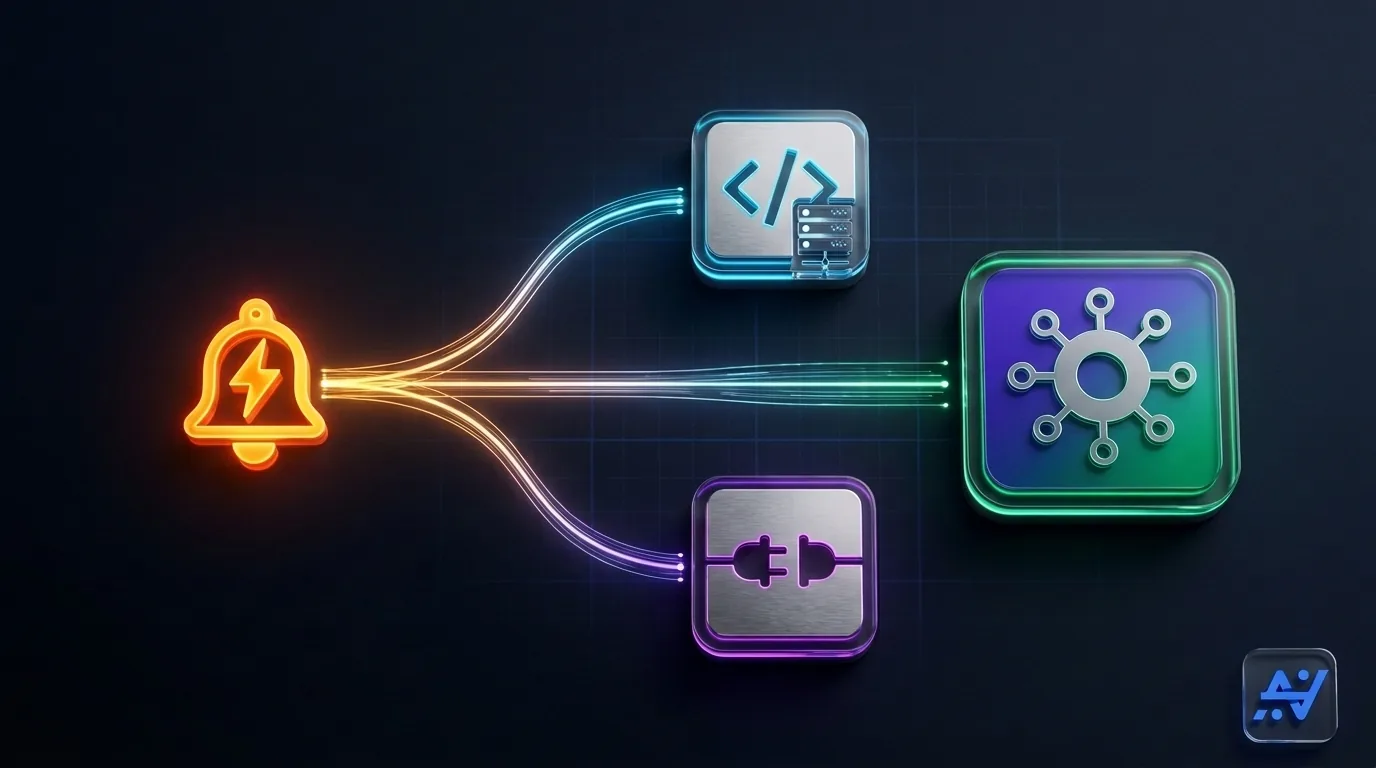
What a TradingView alert actually sends
When a strategy’s condition triggers and a webhook URL is attached to the alert, TradingView sends a single HTTP POST request to that URL, carrying whatever JSON text you typed into the alert message box — something like {"symbol":"BTCUSDT","action":"buy","risk_percent":2}. That is the entire mechanism. TradingView does not know what an exchange or a broker is, does not verify that the order was placed, and cannot attach custom HTTP headers to that request — it is only ever a URL and a body. Everything downstream of that POST is somebody else’s job.
Option 1: Build your own webhook server
The most direct path is to write a small server — commonly in Python or Node — that listens for the incoming POST, parses the JSON, and calls an exchange’s or broker’s API to place the order. It is the most flexible option, because you control every line of logic.
It is also the most work. You need to host that server somewhere with real uptime, since a webhook that arrives while your server is restarting is a trade you never took. You need to write and maintain the parsing logic for every symbol format you use, handle each exchange’s API quirks and rate limits separately, and build your own safeguards — position sizing, stop-loss handling, a way to stop everything if a strategy misfires. If any part of that strategy also needs to reach MetaTrader 5, you are on the hook for running an MT5 terminal as well, which usually means a Windows VPS and either an Expert Advisor or a bridge service. None of this is a weekend project, and none of it stops being work once it is running — it is now infrastructure you own indefinitely.
This path makes sense when your logic is genuinely custom — multi-leg order sequencing, exotic position management, or integrations no commercial tool offers — and you are comfortable being your own on-call engineer.
Option 2: A single-platform connector
The middle path is a hosted service that receives your TradingView webhook and executes it on one exchange, or one broker type. Setup is usually a form: paste the generated webhook URL into your TradingView alert, connect one set of API credentials, done. There is no server to host and no code to write.
The limitation shows up the moment your strategy needs more than one venue. A connector built around a single exchange cannot also reach MetaTrader 5, and a connector built around MT5 cannot also reach a crypto exchange — so a strategy that signals both a crypto pair and a forex pair needs two separate connections, two separate risk configurations that don’t know about each other, and, in most cases, two separate subscriptions. If you only ever trade one exchange, this gap never matters. If your strategy — or your ambitions — span more than one market, it becomes the whole story.
| Approach | Setup effort | Ongoing maintenance | Venues reachable | Cost |
|---|---|---|---|---|
| Build your own server | High — write, secure, and deploy a server yourself | You own uptime, error handling, and every API change | Whatever you build an integration for | Hosting costs plus your own time, no fixed ceiling |
| Single-platform connector | Low — a form, per venue | Provider-managed, but only for that one venue | One exchange, or one broker type | A subscription per venue — stacks if you trade several |
| Multi-venue connector (AlgoVesta) | Low — one endpoint, once | Provider-managed across every connected venue | 16 crypto exchanges + MetaTrader 5, from one alert | One subscription regardless of venue count |
Option 3: A multi-venue connector
The third path is a hosted execution layer built to receive one TradingView webhook and route it to whichever market the signal belongs to. AlgoVesta works this way: you point a single alert at one AlgoVesta endpoint, and symbol mapping decides where it goes — a BTCUSDT signal executes on your chosen crypto exchange, an XAUUSD signal executes on MT5, from the same strategy and the same webhook. That covers 16 crypto exchanges (spot and futures) and MetaTrader 5 forex, with your risk rules — daily stop, drawdown brake, position sizing — enforced server-side on every alert before it becomes an order, and with trade-only API keys that can place and manage orders but were never granted withdrawal permission.
The trade-off is the mirror image of building it yourself: less granular control over the exact execution logic, in exchange for not having to host, secure, or maintain anything. New connections start in paper mode by default with a $5,000 virtual balance, so the routing and parsing can be verified before a live account is involved. (For the fuller technical walkthrough of how one alert reaches both markets, see automating a TradingView alert to crypto and MT5; for the strategy-level reasoning behind trading both from one source, see one TradingView strategy, two markets.)
How to actually choose
- Your strategy only ever needs one exchange or one broker, and your logic is standard. A single-platform connector is the fastest way to get there.
- Your strategy needs something genuinely custom — logic no commercial tool offers. Building your own server is the only path that gives you that level of control, and it’s worth the maintenance cost for that specific need.
- Your strategy spans multiple exchanges, or crypto and MT5 forex together, and you don’t want to run infrastructure. A multi-venue connector collapses that into one endpoint and one subscription.
Most traders overestimate how custom their logic actually needs to be, and underestimate how much time a self-hosted server quietly costs once it’s live. Start from what your strategy needs to reach, not from how much control sounds appealing on paper.
The bottom line
A TradingView alert is only ever the first half of the automation — the receiving layer is where the real decision sits. Build your own server if your logic is genuinely custom, use a single-platform connector if you trade exactly one venue, or use a multi-venue connector if your strategy needs to reach several markets without you having to run the infrastructure yourself. AlgoVesta’s endpoint reaches 16 crypto exchanges and MT5 from one alert, with risk rules enforced server-side and a $5,000 paper balance to test the routing first.
Want to see all three trigger sources compared, not just the connection method? Read three ways to trigger a trade: Telegram, TradingView, or your AI agent. Ready to connect an alert? Start on the TradingView automation page.
Want the full picture — setup steps, the security checklist, and a free live demo? See the complete guide to TradingView automation.
Learn more: the live demo.
Disclaimer. AlgoVesta is signal-routing and execution infrastructure (Bring Your Own Signal). It runs execution infrastructure on your behalf using trade-only credentials; it does not generate signals, hold, receive, or move client funds, and does not provide investment advice or trading recommendations. You configure the strategies, alerts, and rules, and you are responsible for them. Crypto and forex trading carry substantial risk of loss; leveraged positions may be fully liquidated. Past performance does not guarantee future results.
The authoritative version of this article is the English original; translations are provided for convenience.
Ready to automate your trading workflow?
Connect your exchange with secure, trade-only API keys.
Start Free — 7 DaysRelated comparisons: PineConnector · Alertatron · SignalStack · TradersPost · WebhookTrade